Level of insecurity in Sify continues to amaze me. Maybe it's just the flawed LAN kind of network design they use, maybe it's the equipment or software ..whatever.
Anyhow, I've found another way to exploit Sify networks.Well, it's not really a new exploit Attacks like this are not new. Managing a successful attack can give you free internet at the expense of some poor soul who happens to be in same network as yours.
I'll not post complete details, only a bit of outline. Considering the no. of retarded script kiddies who are likely to use this simple exploit and misuse bandwidth of other Sify users, I think it's a fair idea.
1st you need to run a port scan and note down all the IPs and corresponding MAC addresses in your Sify network. Any moderately good port scanner can do it for you.
2nd choose one IP-MAC address combination of any user who is most likely logged in at that time and change your own IP and MAC address to same
3rd, now use something to kick off that user temporarily off the network. Try doing this thing quick. It's one of the most vital steps. Hints, DoS, ARP spoof :p
Open your browser and start surfing, downloading whatever. This attack works on almost every LAN, but I expected better from a national level ISP
 Light Combat Aircraft - Tejas
 Light Combat Aircraft - Tejas
 Light COmbat Aircraft - Tejas
 Astra AAM
 BrahMos Cruise missile and Akash SAM
 BrahMos Cruise Missile and Akash SAM
 Prithvi and Agni Ballistic missiles
 Prithvi & Agni Ballistic Missiles
 Tank-X
 Pinaka MBRL and Tank-X
 Thermal Imager


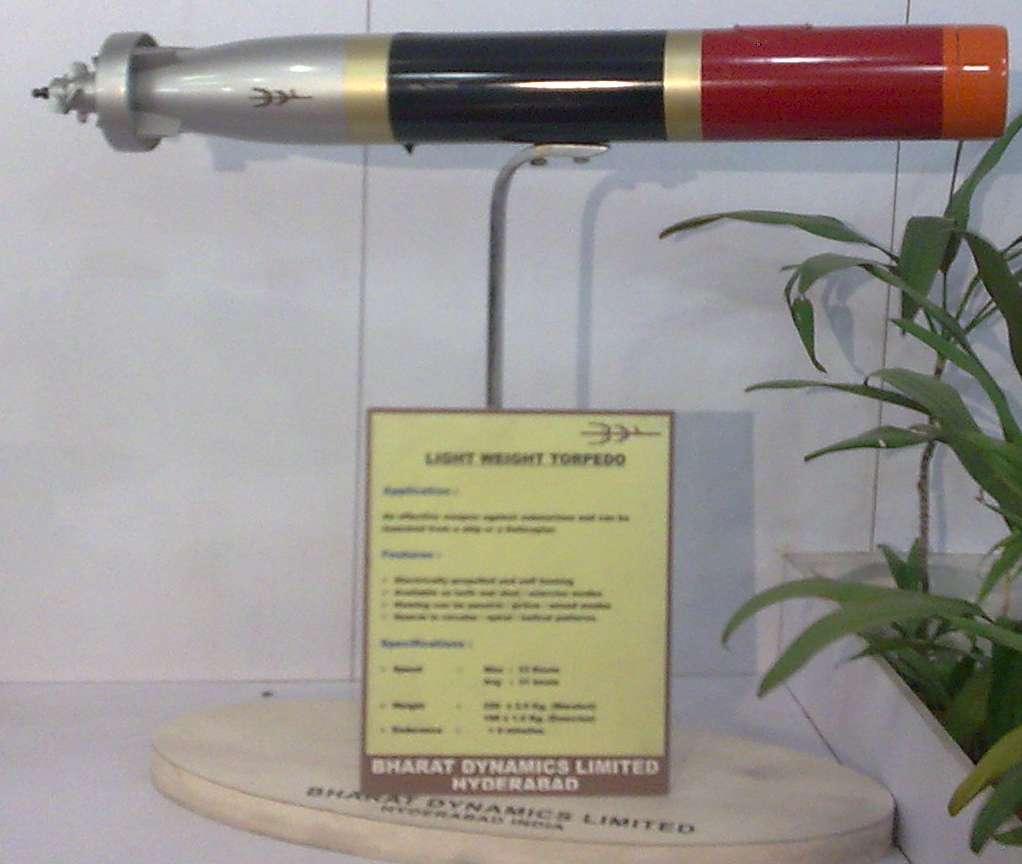 Light Weight Torpedo
 FLAME ATGM launcher


 Prithvi BM


 Lakshya PTA


 Mirage 2000
 Mig 27
 Ajeet
Ajeet
 Dhruv & IJT


 Posts
Posts


